Learning the hard way: a real-life Linux Kernel Panic
2026-02-20
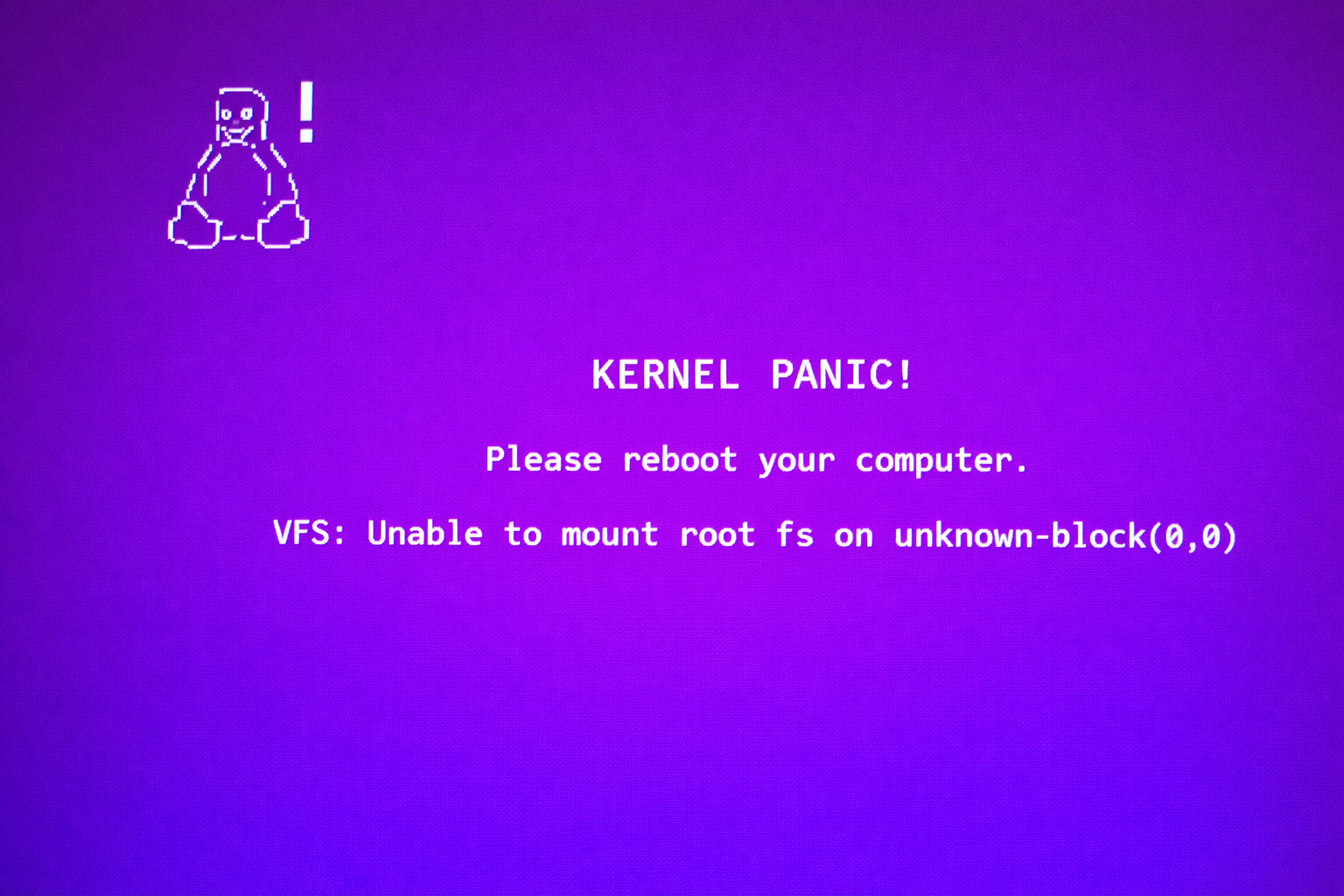
“Kernel Panic. Unable to mount root fs.” #
Today I had that classic Linux moment that makes anyone break into a cold sweat.
My PC was updating. The browser would not open. Everything felt slow.
Then, It froze.
And I made a mistake many people have made at least once:
I forgot I was in the middle of a system update process and rebooted.
The result?
Purple screen. Scary message:
VFS: Unable to mount root fs on unknown-block(0,0)
In plain English:
“I booted… but I have no idea where the operating system is.”
🧠 What This Actually Means
The kernel is the “brain” of Linux.
When your computer boots, it:
Loads the kernel
The kernel tries to find the main system partition, called the “root”
If it cannot find it, it enters panic mode
This is not a metaphor. It literally means: “I cannot continue.”
The First Question: Did I Lose Everything?
No.
And this is important for non-technical people:
A kernel panic does not mean your files are gone.
Most of the time:
The disk is intact
Your documents are still there
The issue is only in the boot sequence
It is like the front door of your house is jammed. The house is still fine.
🔍 What Actually Happened? #
I rebooted while the system was updating the kernel.
That can break three critical things:
The kernel itself
The initramfs, which is a small temporary system used during boot
Kernel modules and drivers
And in my case, there was another layer involved: DKMS.
What is DKMS?
DKMS stands for Dynamic Kernel Module Support.
It automatically recompiles drivers when the kernel changes.
For example, VirtualBox uses DKMS to rebuild its modules every time a new kernel is installed.
If the update is interrupted mid-process, DKMS can fail.
And when that happens, it can block the entire kernel installation.
That is exactly what happened to me.
🛠 How I Recovered the System
1. Booted From a Live USB #
I started the computer using a Linux USB drive.
A Live USB lets you run Linux externally, even if your installed system will not boot.
It is like entering the house through a window when the front door is stuck.
2. Ran fsck #
fsck means “file system check.”
It scans the disk for inconsistencies caused by improper shutdowns.
Think of it as running a structural integrity scan on your house after an earthquake.
It found minor inconsistencies and fixed them.
3. Entered the System Using chroot #
chroot allows you to “enter” your installed system from the outside environment.
Conceptually:
You are outside the house, but you temporarily make that house your working environment.
This allows you to run commands inside the broken system without booting into it normally.
4. Identified DKMS as the Root Cause #
DKMS was trying to rebuild VirtualBox modules for a kernel that had only been partially installed.
That failure was blocking the whole configuration process.
The solution:
Cleaned up the incomplete kernel installation and restored a stable boot configuration.
Force the system to use a previous stable kernel
Linux keeps multiple kernel versions exactly for this reason.
That design decision saved me.
5. Rebuilt initramfs and Updated GRUB #
After removing the problematic kernel, I:
Regenerated the initramfs
Updated GRUB, the bootloader
Initramfs is a minimal environment used early in the boot process to prepare the system.
GRUB is the boot manager that tells your machine which kernel to load.
Rebuilding both restores the boot sequence.
6. A Modern Ubuntu Detail #
DNS resolution depends on a service called systemd-resolved.
When using chroot, the /run directory is not mounted automatically.
That directory contains runtime information required for services like DNS resolution.
So even with active internet, the system could not resolve domains like archive.ubuntu.com.
The fix was to manually mount the missing runtime directories inside the chroot environment.
After that, apt worked again.
💡 What This Taught Me #
Never reboot during a kernel update 🙃
Kernel packages are replaceable. Your data is not
Linux keeps older kernels for a reason
Most system “disasters” are reversible with patience
Knowing how to use a Live USB is a superpower
🧩 A Simple Analogy for Non-Technical People #
Imagine you were replacing your front door with electronic lock and cut the power halfway through.
Your house is still there. Your furniture is still there.
But the door does not open.
That was my system.
🚀 Conclusion #
I did not reinstall the OS. I did not lose data. I did not format the disk.
Linux can look terrifying when it breaks.
But it is also incredibly recoverable.
More importantly, this experience reminded me of something deeper:
Staying calm is part of engineering. Debugging is part of growth. Understanding how systems really work only happens when they break.
Today was not just about fixing a kernel panic.
It was about learning to slow down, think clearly, and try to understand Linux at a little deeper level.
And honestly?
I walked away knowing more than I did yesterday.